Square
Connect the company merchant account for secure payment capture. CRM keeps payment activity tied to the invoice and financial record; customer payment access can be surfaced through the Portal.
ControlAxis CRM keeps payments, accounting, communications, calendars, bank visibility, forms and your connected ControlAxis apps close to the company record—without creating a new software silo.
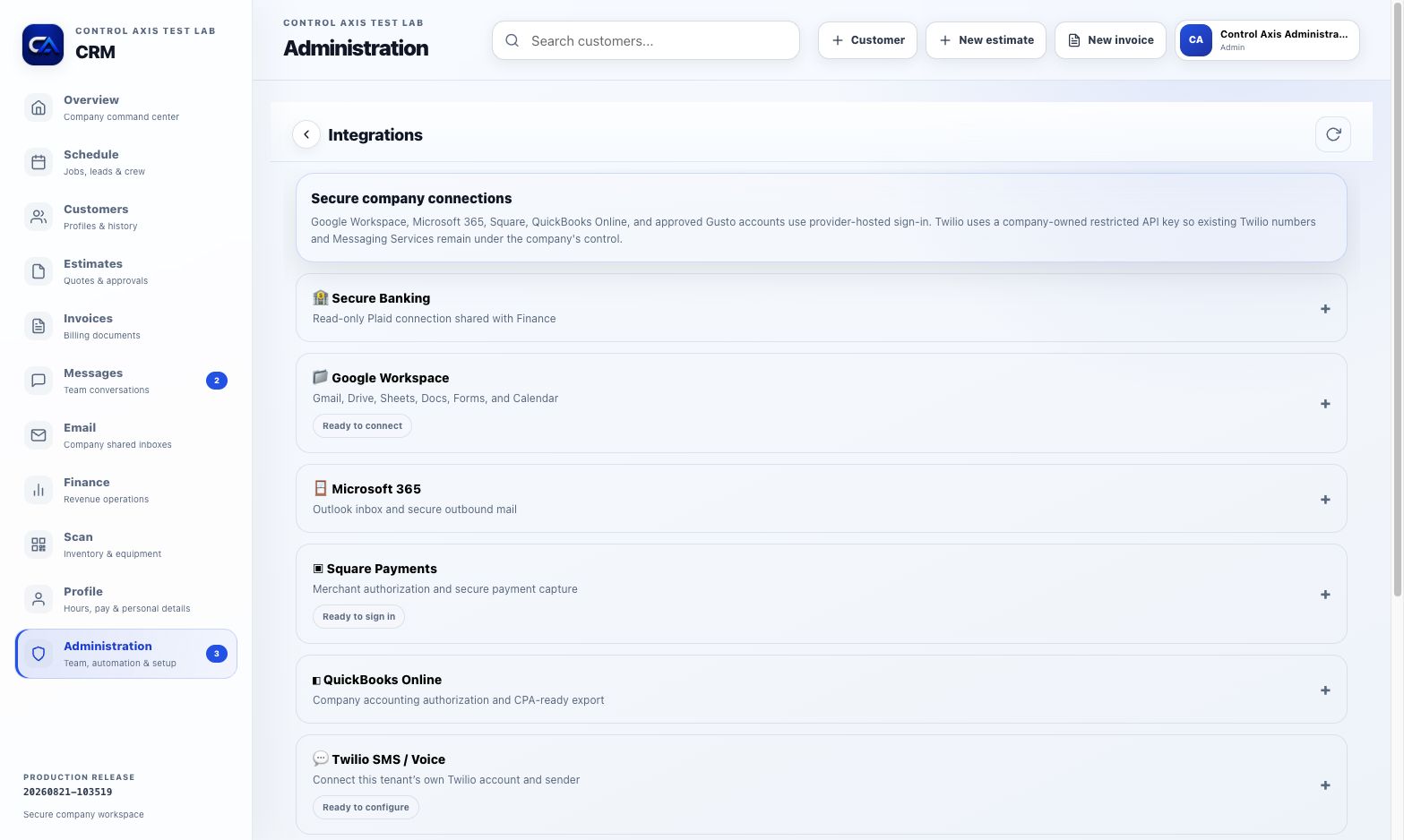
Connections are configured by the company that owns the account. Provider-hosted sign-in and company-owned credentials keep sensitive services tied to the business—not the software vendor.
Connect the company merchant account for secure payment capture. CRM keeps payment activity tied to the invoice and financial record; customer payment access can be surfaced through the Portal.
Connect company accounting authorization and use CPA-ready exports to keep financial workflows understandable for your accountant.
Connect Gmail, Drive, Sheets, Docs, Forms and Calendar so the tools your team already uses can support the workflow.
Bring Outlook inbox and secure outbound-email workflows closer to customer and job context.
Connect approved company payroll access and export scheduling to support a clearer payroll and reporting workflow.
Use the company’s own Twilio account, sender and Messaging Services for automation-driven SMS and voice workflows.
Use a read-only Plaid-backed connection for company bank visibility when the business chooses to connect it.
Embed selected CRM forms on your own website or product so new inputs can enter the correct customer, lead, or estimate workflow.
Build controlled pipelines for an approved, customer-owned AI or LLM system to use CRM data with explicit safeguards and permissions.
A Square-connected CRM workflow keeps the invoice, payment, customer record and finance view synchronized. The customer Portal can provide deliberate, secure access to the customer’s own payment experience.
CRM, Estimator, Scan, Lens and the Customer Portal exchange the context a service company repeatedly needs: customers, jobs, pricing, equipment, field proof, approvals, invoices and customer-facing updates.
 Estimator → CRM
Move captured scope, pricing, approval and customer information forward instead of rebuilding it for the job.
 Scan → CRM
QR records, alerts, issues, maintenance and repair activity stay connected to the company’s work record.
 Lens → CRM + Portal
Before/after and issue photos connect back to customer profiles and can be deliberately shared with customers.
See the CRM operating core and the field apps that extend it.